How to Register GetQCall Review Tap Plate
Set up your GETQCALL Review Tap Plate in just a few minutes and make it easier for customers to leave reviews. Follow the steps below to create and verify your account, choose your preferred review platform, connect your business location, and test your Tap Plate to make sure customers are directed to the correct review page.
GETQCALL Review Tap Plate — Setup Guide
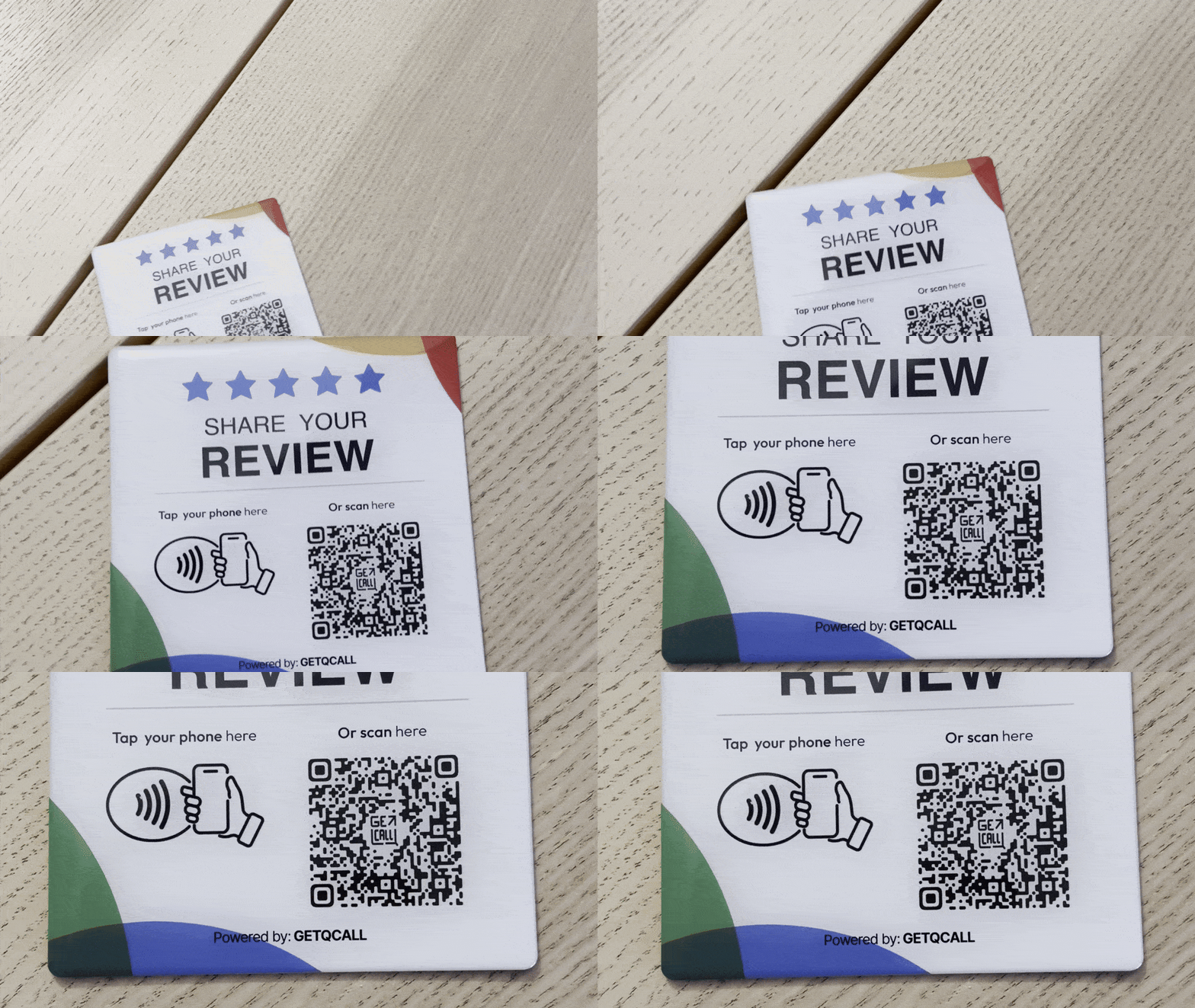
1. Scan the Review Tap Plate
Scan the QR code on your GETQCALL Review Tap Plate.
2. Create and Verify Your Account
Enter your email address, create your GETQCALL account, and verify your email using the confirmation message.
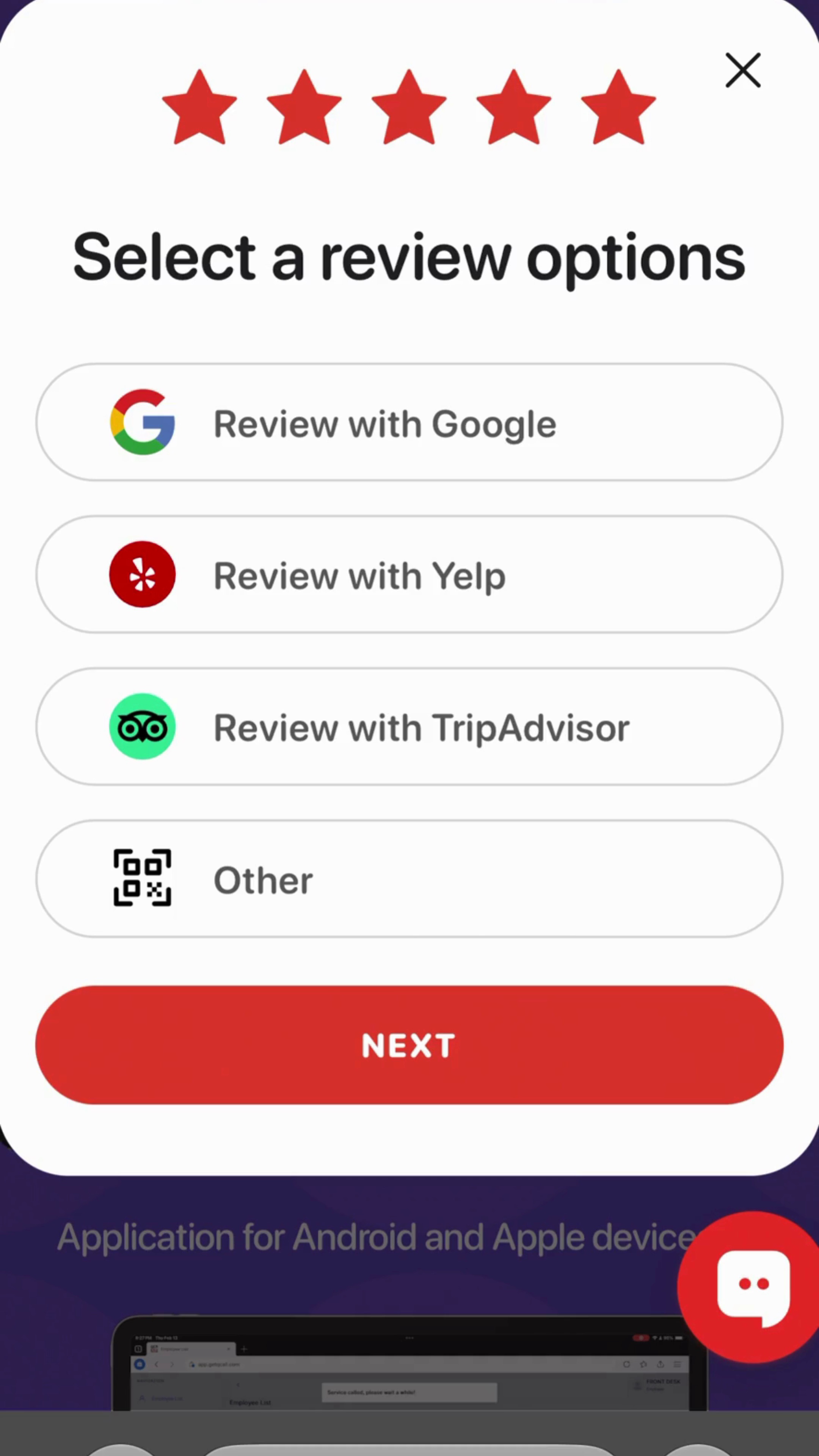
3. Choose Your Review Platform
Select where you want customers to leave reviews: Google, Yelp, TripAdvisor, or another available platform.
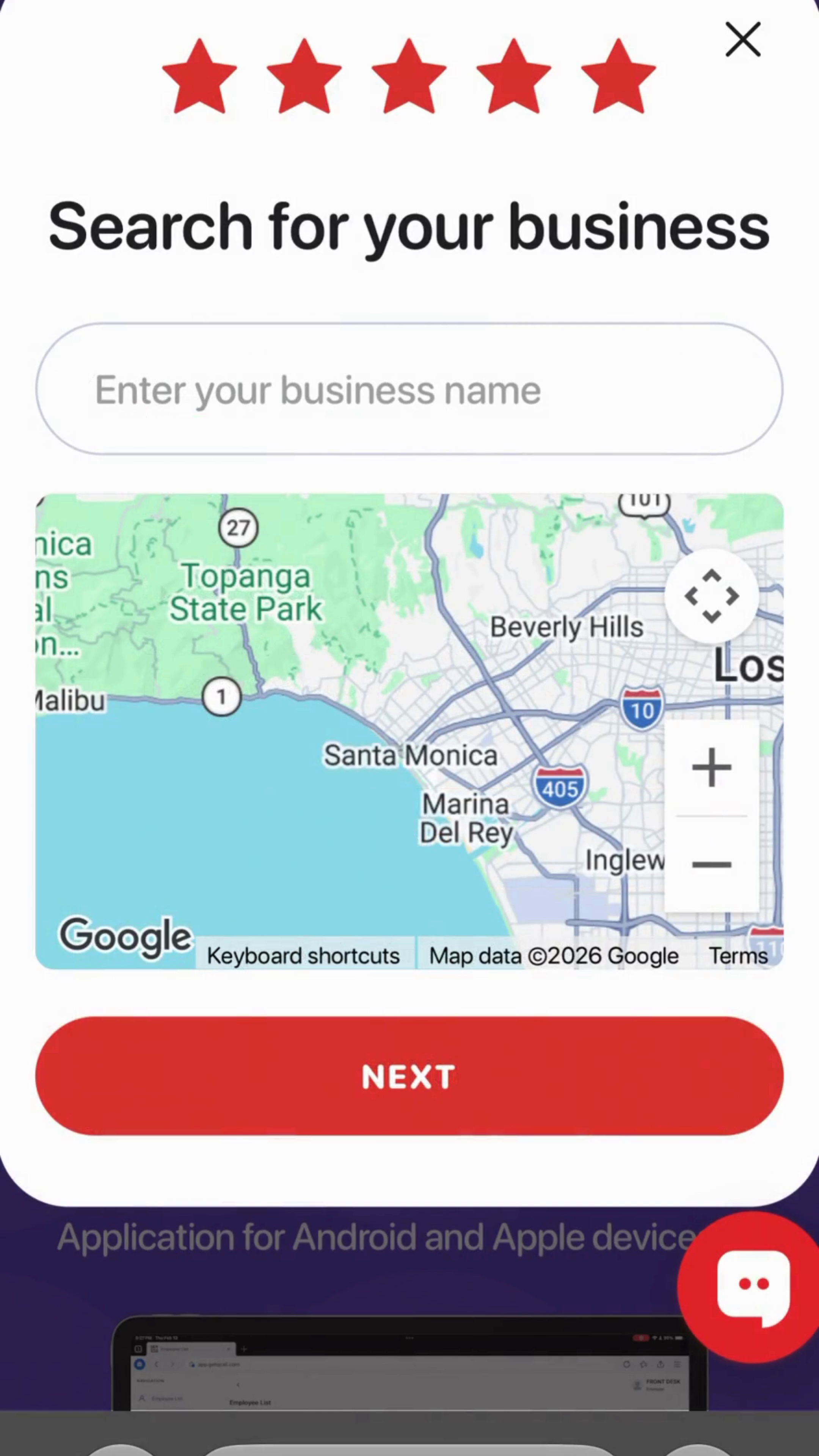
4. Find Your Business
If you selected Google Reviews, search for your business and select the correct location from the search results.
For all other review platforms, such as Yelp, TripAdvisor, or others, business location search is not available. Instead, copy and paste the direct link to your business review page into the provided field.
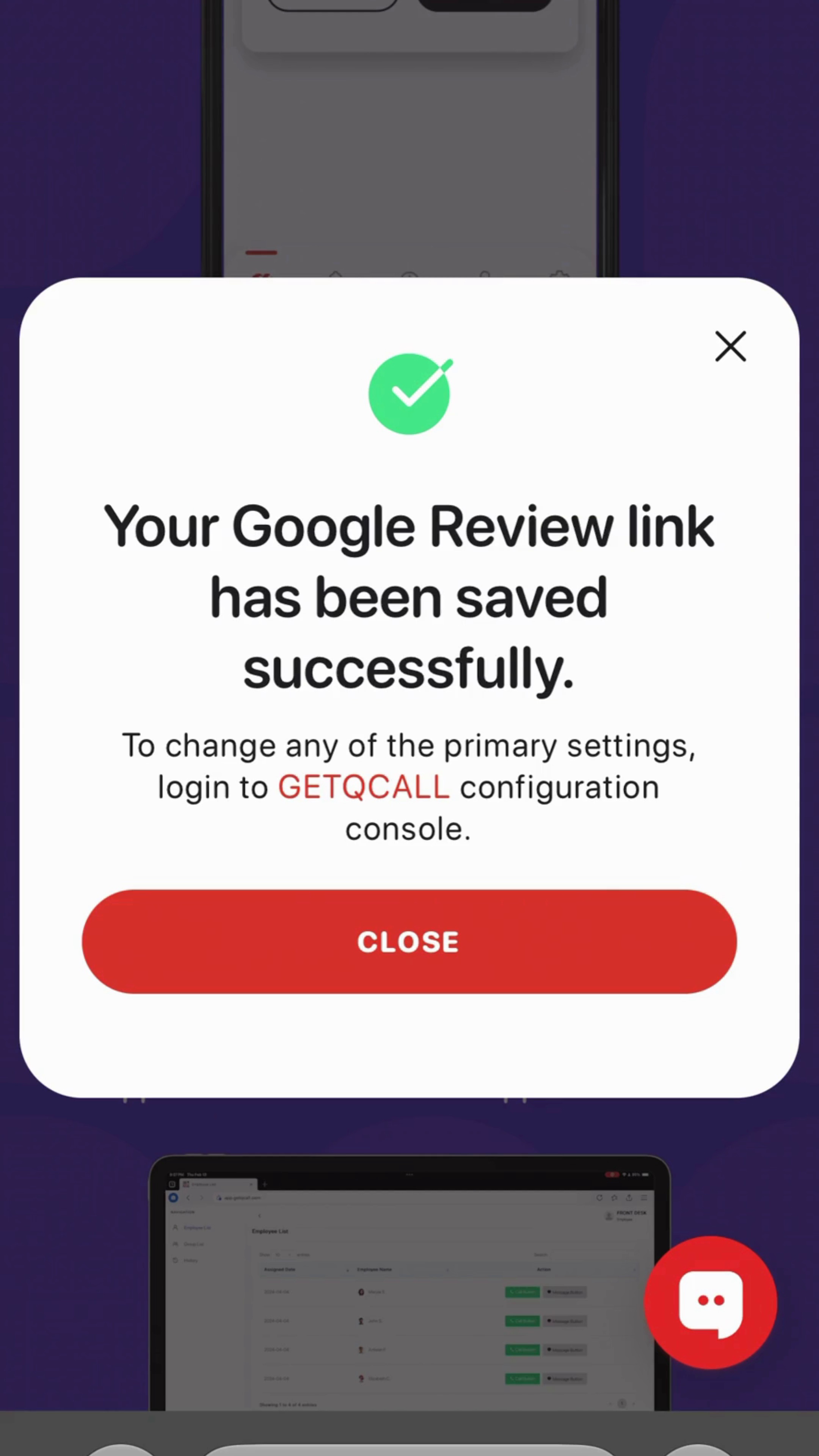
5. Save and Test Your Review Link
Save your selected business. Scan the Tap Plate again to confirm that it opens the correct review page.